Skip to content
Processifier
PLEN
Book a call

Product

Get maximum knowledge from your process data instantly.

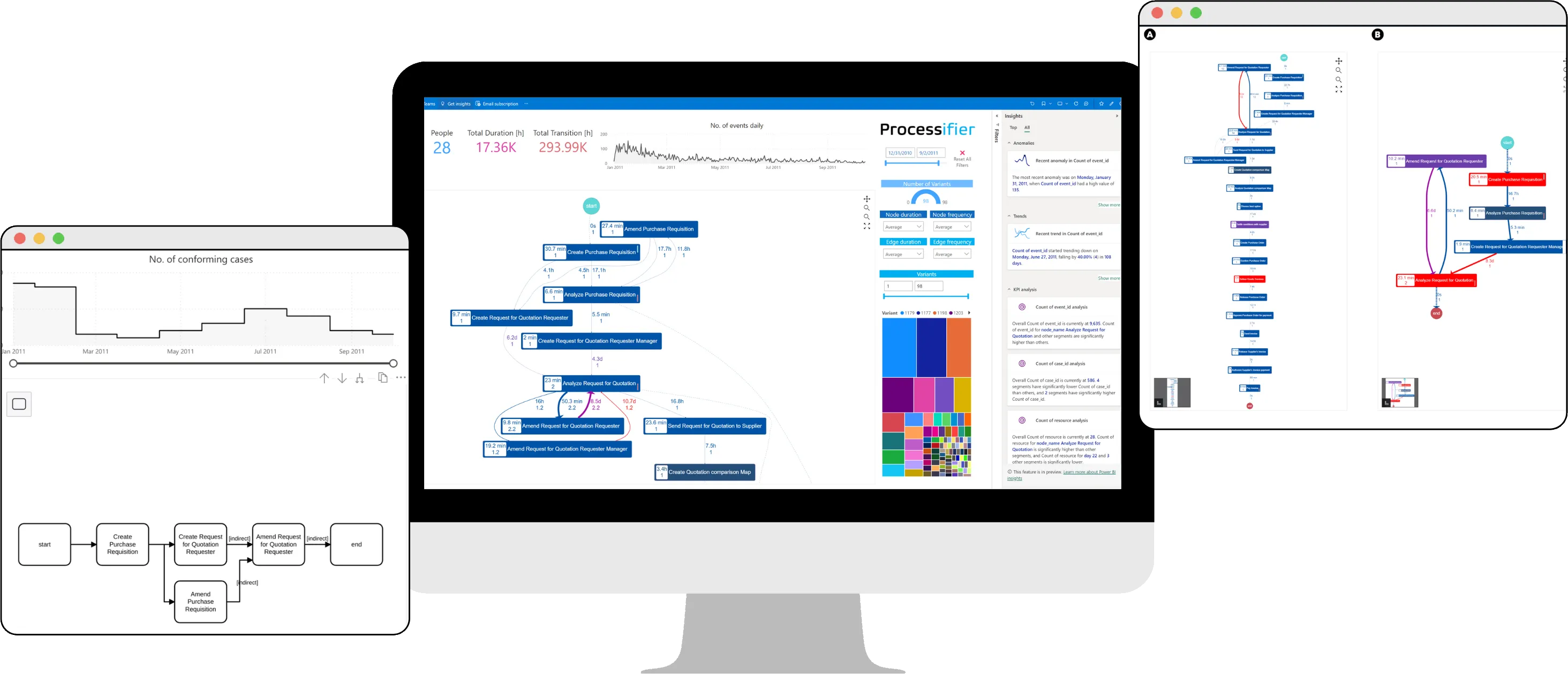
The Processifier dashboard on a monitor, next to a conformance chart and two process graphs.

What the tool is for

Process discovery

Understand your own processes

Say you want to check what could be improved in the business. The questions that come up are usually these:

  • What separates closed sales from lost ones?
  • How long does order handling take on average?
  • Is that time connected to whether the sale closes?
  • Where are the bottlenecks in the process?

You can ask people. You will hear as many versions as there are people, and the fewer the facts, the stronger the opinion. The tool draws the process in seconds and answers with data, so nobody has to guess. Start from the facts.
Audit and compliance

Write your own rules and catch the cases that break them

A departure from an internal or regulatory procedure can cost both money and reputation. Say you want to check whether a payment was confirmed twice before anything left the company. The tool points out, straight away:

  • duplicated activities
  • skipped steps
  • steps executed outside the plan

You write the rules yourself, and the check itself is roughly one button.

Monitoring

Automate the daily report

The tool watches the process as it runs and assembles the report itself, instead of leaving that to someone to put together by hand. It monitors:

  • the indicators you define
  • SLA breaches
  • shifts in how the process operates
  • drops in efficiency

It also connects to your CRM systems, so a problem with a customer or in production shows up straight away.

How it works

Get the idea of how Processifier works using the dashboard below. Hover over the black points to see what each element does.

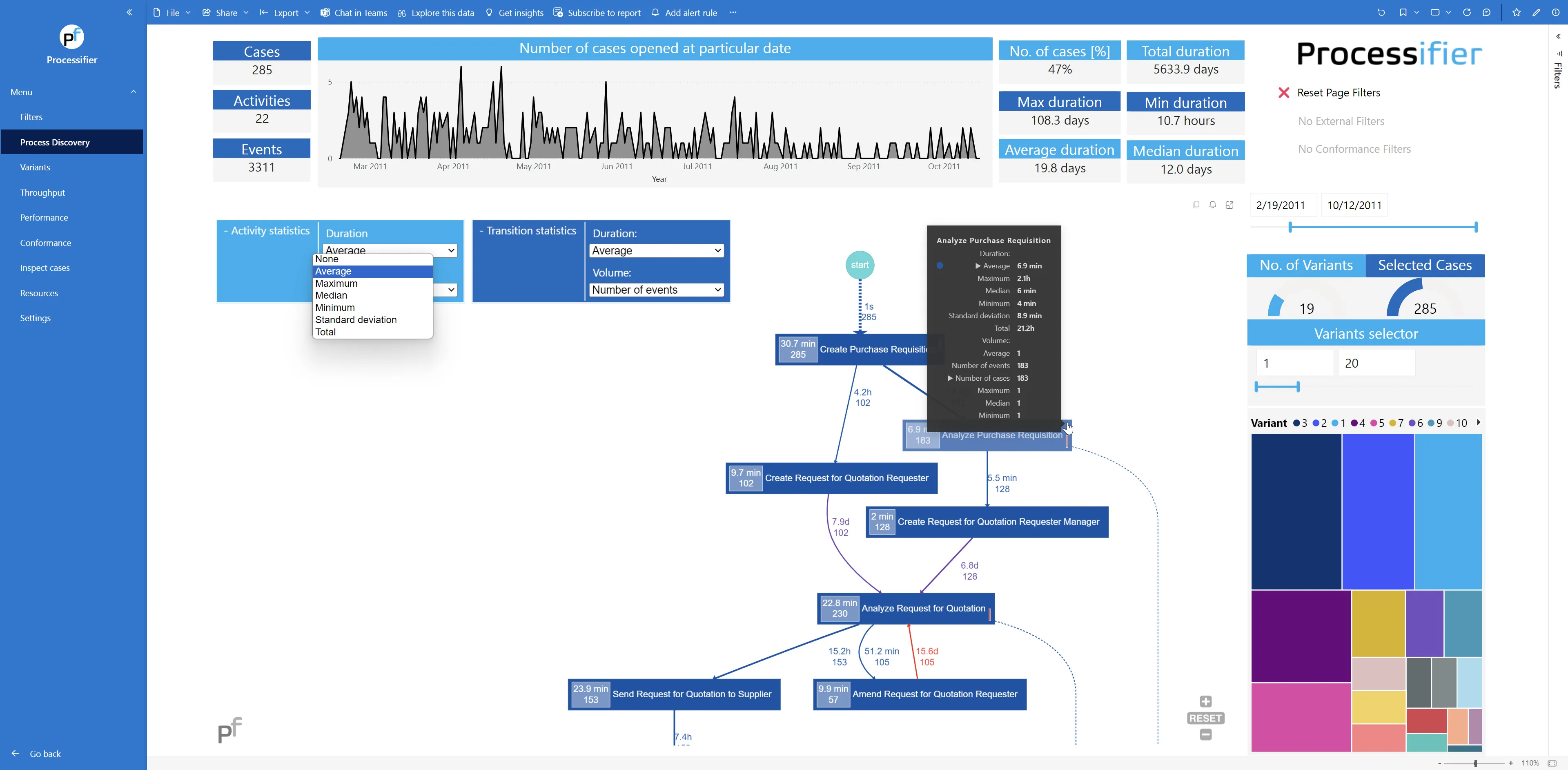
The process with durations and case counts, filtering by start date, switching between the most and least frequent variants.

Process graph

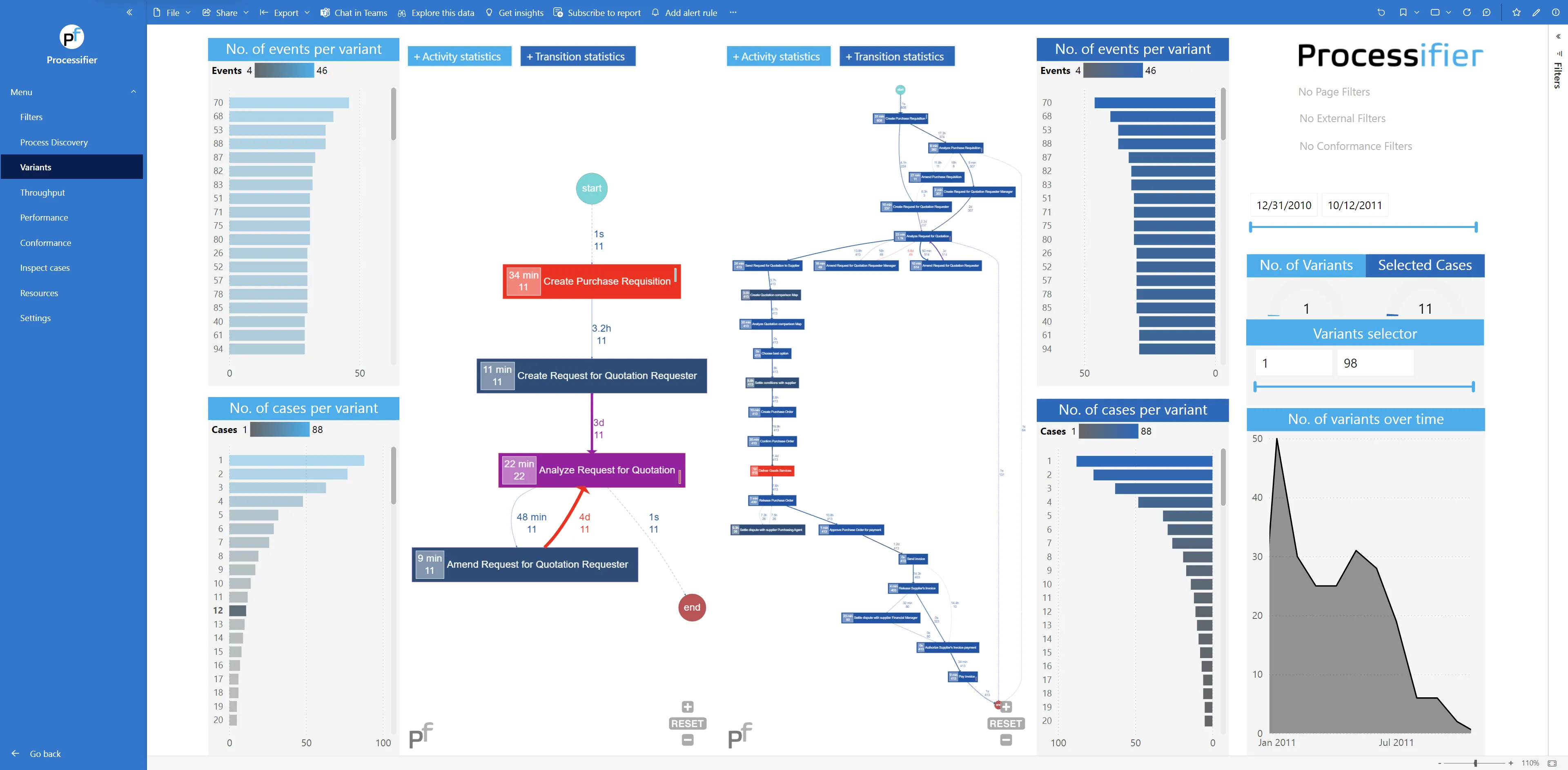
Paths compared side by side, variants selected by number of events or cases, and how path diversity changes over time.

Variants

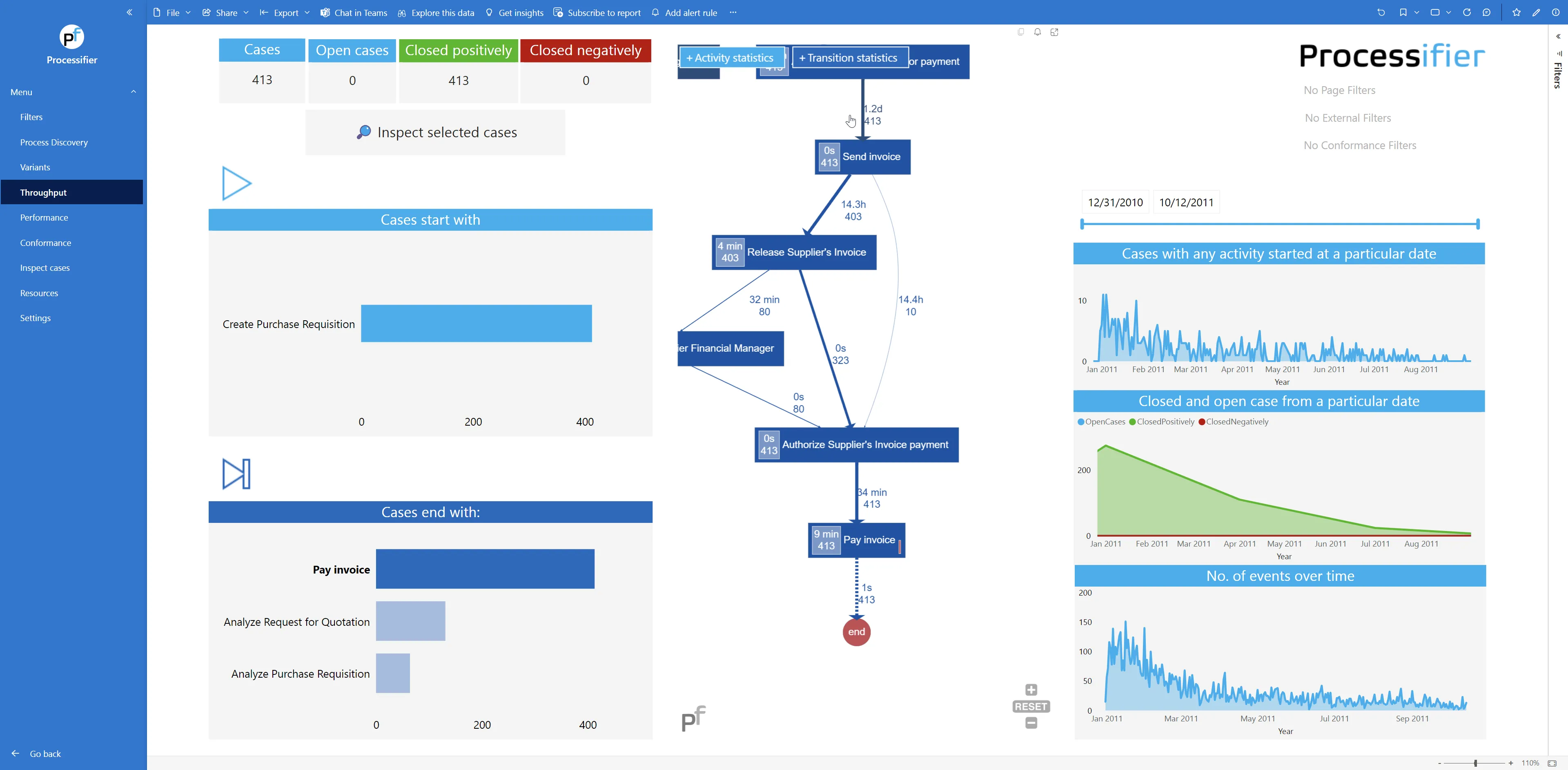
Cases started and closed over time, completed ones separated from abandoned ones, and what sets the two apart.

Throughput

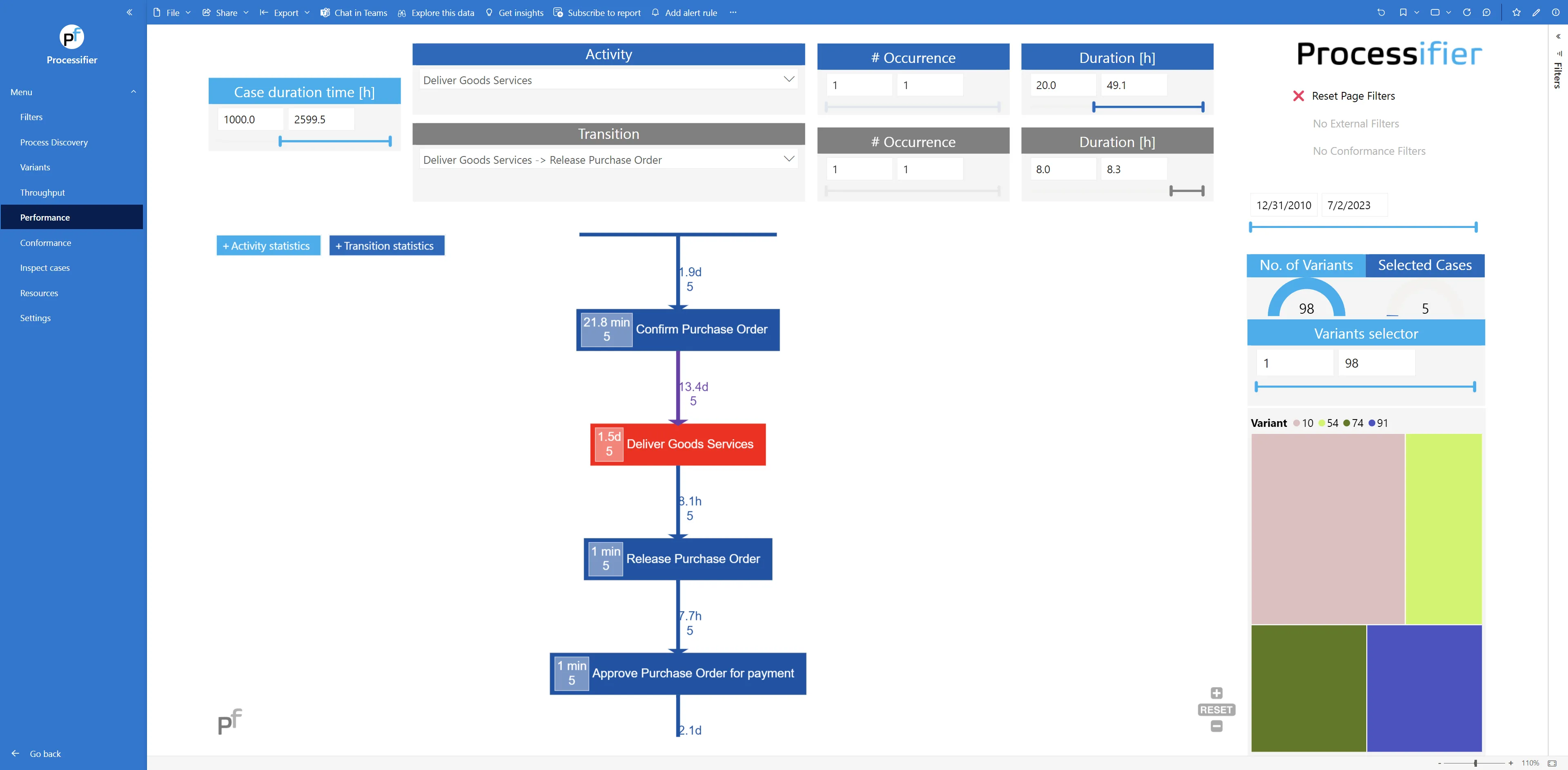
Individual activities and transitions, filtering by duration and frequency, with separate views of the slowest and fastest cases.

Performance

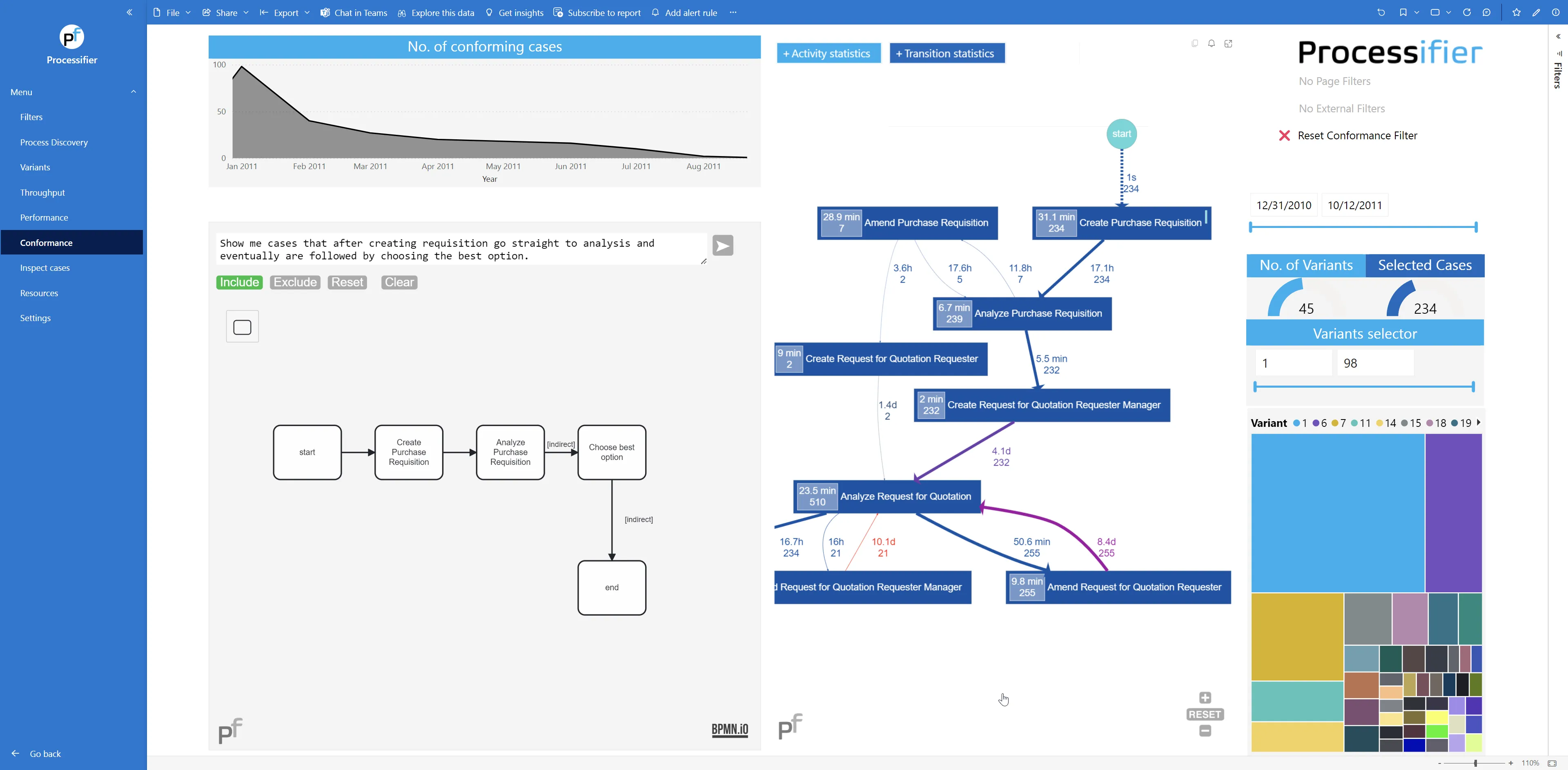
A model of the expected flow and cases split into conforming and non-conforming, with conditions written in plain sentences.

Conformance

Why Processifier

Fast process reconstruction

We built the tool for one job: showing as quickly as possible which way the process actually runs.

Results you can act on

An analysis is worth something only once someone can use it. Results are presented so that people can work with them without training on the tool itself.

Cleaning before analysis

Garbage in, garbage out. Logs are rarely usable as they come, so the tool carries its own data preparation layer.

No surplus features

The tool does two things: it lets you understand the process and improve it. Nothing beyond that, and nothing less.

Integration with your sources

Connects to the common data sources, in the cloud and on premise, both SQL and NoSQL.

Security without shortcuts

The tool runs on the Microsoft stack, so access control and auditability work the same way as in the rest of your infrastructure.

Established technology

Built on the Microsoft stack, with the interface in Power BI.

Process mining in numbers

84%2

of business executives say process mining delivers measurable value.

50%1

higher automation potential is found in activities analysed with process mining tools than in the rest.

78%1

of automation specialists treat process mining as a condition for RPA to work.

51%2

of business executives point to data quality as what decides whether a project succeeds.

  • 1Ernst & Young, “One way to use process mining technology: enhancement”
  • 2Deloitte, “Global Process Mining Survey 2021”

Power BI component

The same engine runs as a report component in Power BI, available in Microsoft AppSource.

Want to see it on your own data?

Tell us which systems you work in. We reply within two business days.